-
Help Topics
Expand all | Collapse all


2-Factor Authentication
Teapplix has just added 2-Factor authentication for logins.
Right now this is optiona, but 2-factor authentication is safer in case someone steals your password and login to your Teapplix account and prints postage using your money.
To use 2-Factor authentication, you must install Google Authenticator app on your phone. After that you can use it to scan qr-code generated by Teapplix during 2FA setup.
After setup, when you login to Teapplix you will be asked for both your password and a code. The code is provided by your Google Authenticator app. You can find help for Google Authenticator here:
https://support.google.com/accounts/answer/1066447
To turn on or off 2FA, click on 'User Profile' link on the top right of your Teapplix account page and follow instructions.
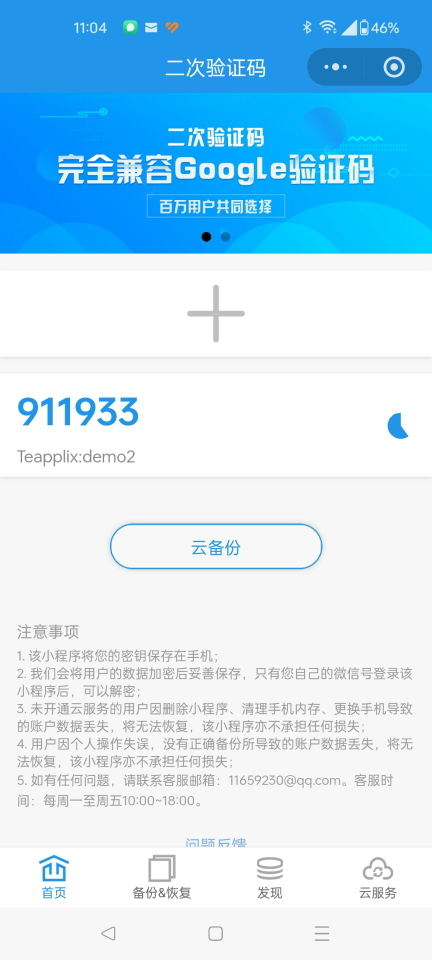
If you are located in China where Google App store is not accessible, you can use Wechat mini programs. Search for "二次动态密码验证器". The below program is a good working example: